🚀 Quick Start
Minimal setup to get your bot running with Raito:
import asyncio

from aiogram import Bot, Dispatcher
from raito import Raito

TOKEN: str = "YOUR_BOT_TOKEN"
PRODUCTION: bool = False

async def main() -> None:
    bot = Bot(token=TOKEN)
    dispatcher = Dispatcher()
    raito = Raito(dispatcher, "src/handlers", production=PRODUCTION)

    await raito.setup()
    await dispatcher.start_polling(bot)

if __name__ == "__main__":
    asyncio.run(main())
What’s happening here?
Raito(...)sets up handlers, locales, developers, managers, etc.raito.setup()auto-loads routers from the “src/handlers” folder.You don’t need to register routers manually.
It starts handler hot-reload (watchdog) if production mode is disabled.
Tip
Try adding a file with the following content, then modify the message text — the changes will be reflected instantly.
from aiogram import Router
from aiogram.types import Message
from aiogram.filters import Command

router = Router(name="ping")

@router.message(Command("ping"))
async def ping(message: Message):
    await message.answer("Pong! 🏓")
📦 Not installed yet? See 🛠️ Installation
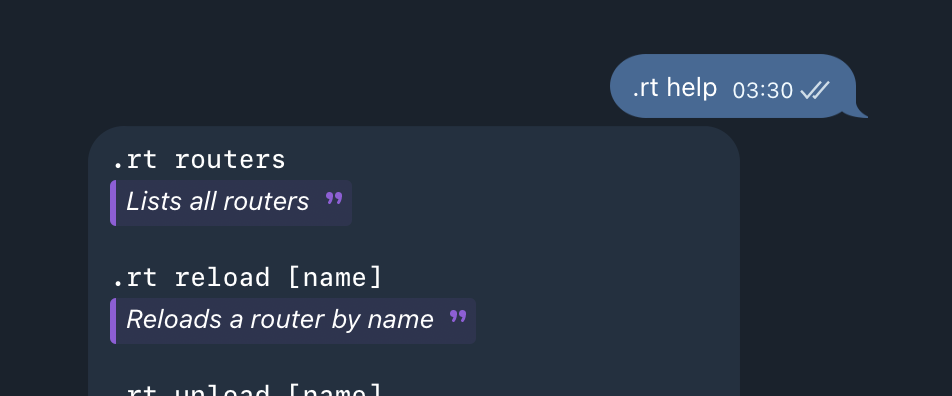
Also, Raito has a built-in commands. Send .rt help to your bot to see the list.